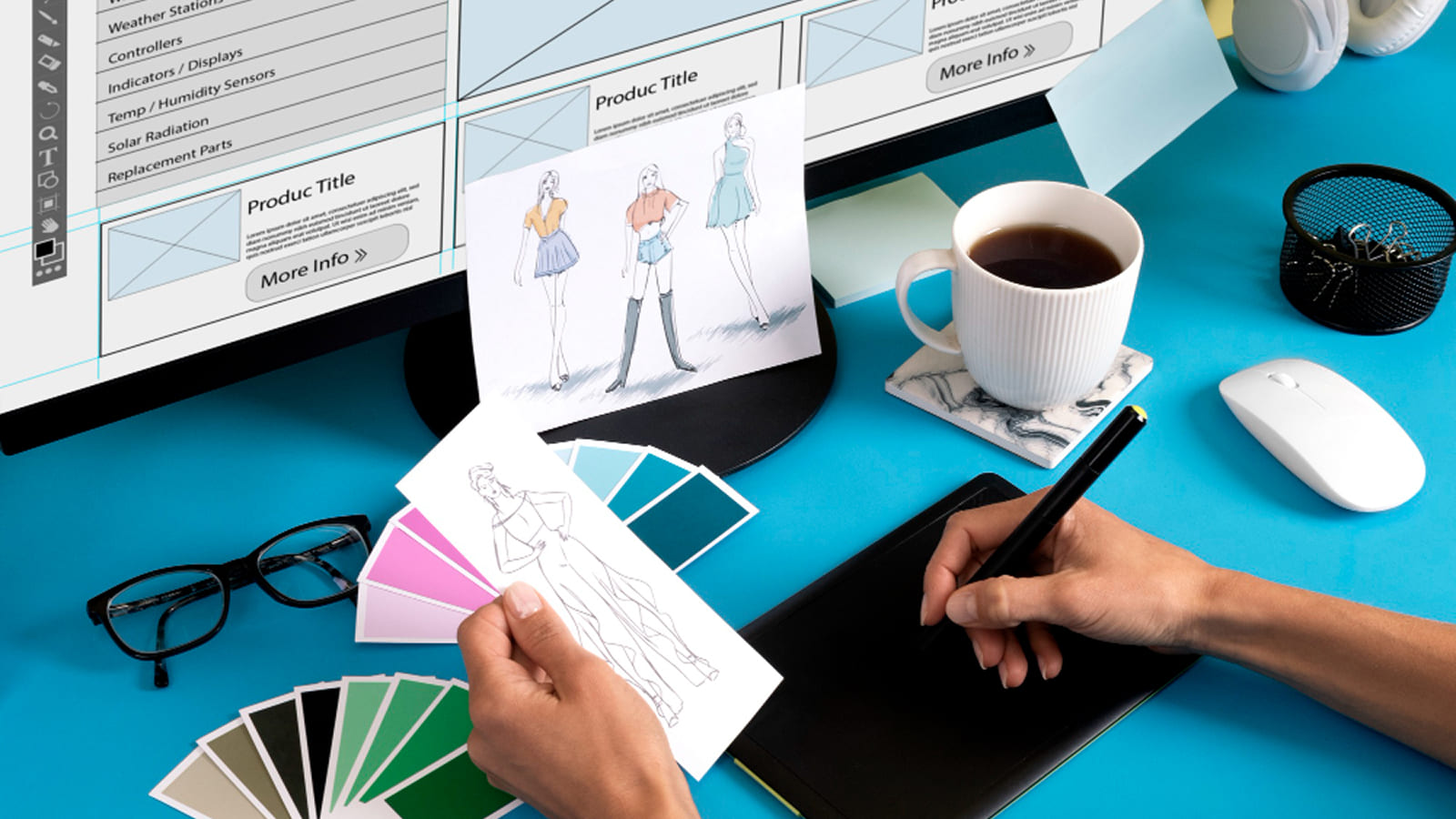
Social media offers contractors a powerful way to stand out and connect with local clients. Trade Design helps you create eye-catching graphics that build trust and drive more project inquiries through smart visual branding for contractors.
Why Visuals Matter on Social Media for Contractors
You know the drill, scrolling through feeds, your eyes skip boring text posts but stop on striking images of finished kitchens or sturdy roofs. Visual branding for contractors turns your social media into a showcase that screams reliability and skill. Studies show visuals get 94% more views than plain text, making them essential for trades like roofing or plumbing where clients want proof of quality before calling.
Trade Design sees this daily with clients who once struggled to get noticed amid generic posts. Now, their feeds pop with before-and-after shots and branded tips, pulling in 2-3 times more engagement. You build a strong online presence when graphics match your work’s toughness, think bold colors like steel gray and safety orange that echo job sites. Clients in the UK construction boom of 2025 report that consistent visuals helped them land 30% more leads from platforms like Instagram and Facebook.
These graphics do more than look good. They tell your story, showing the sweat behind a perfect deck install or the precision of wiring a new build. When you pair real project photos with simple overlays like “Bristol’s Trusted Builders,” potential customers feel connected, not sold to.
Key Elements of Strong Visual Branding for Contractors
Visual branding for contractors starts with colors, fonts, and logos that feel familiar yet tough. You choose earthy tones, deep blues for trust, warm yellows for energy, that match your vans and uniforms. Trade Design crafts templates using rugged fonts like sans-serif bold types that read clear on mobile screens, where 80% of tradespeople check social media.
Logos sit front and center, often with taglines like “Building Your Dreams, Brick by Brick.” Add icons of tools or hard hats to reinforce your trade without words. Real client feedback highlights how these elements cut through noise, a London electrician noted his branded posts got shared 5x more after switching from stock images to custom graphics featuring his team.
Consistency ties it all together. You use the same style across posts, stories, and reels, so followers spot your content instantly. This builds recall, much like seeing a familiar van on the road. Trade Design ensures every graphic aligns, turning one-off posts into a brand story that grows loyalty over time.
Types of Graphics That Work Best for Your Trade
Before-and-after images lead the pack, showing a leaky garage transform into a dry workshop. You split the screen with clean lines, adding stats like “Fixed in 48 Hours – No Leaks Since!” These visuals prove results, with data revealing they boost shares by 150%. Trade Design refines them with subtle branding, ensuring your logo shines without overpowering the story.
Time-lapse graphics compile job progress into swipeable carousels, day 1 foundation, day 5 framing, final reveal. Clients love peeking behind the curtain, and these posts keep viewers hooked longer, increasing algorithm favor. For plumbers, infographics break down “5 Signs of Pipe Trouble” with simple icons and arrows, educating while positioning you as the fix-it hero.
Quote graphics overlay customer praise on project backdrops: “Trade Design Turned Our Old Shed into a Dream Office – 10/10!” Short video thumbnails with play buttons tease full clips of team huddles or tool demos. Seasonal ones, like winter roof checks, tap timely searches, driving urgent calls when snow hits.
Step-by-Step Guide to Creating Your Graphics
You begin with planning, list your top services like extensions or boiler installs, then match graphics to audience pain points. Trade Design starts here, sketching ideas based on your real jobs. Next, gather assets: snap phone pics of sites, noting lighting for crisp shots, and collect testimonials fresh from happy clients.
Use tools like Canva or Trade Design’s custom kits for drag-and-drop ease. Pick your template, swap in photos, and layer text, keep it under 20 words for quick reads. Add filters for a pro polish, ensuring edges stay sharp on all devices. Test on your phone; if it pops there, it works everywhere.
Schedule posts with captions that ask questions: “Spotted any roof issues this rain? DM us!” Track likes and clicks weekly, tweaking colors or styles based on winners. Trade Design offers ready packs with 50+ templates, saving you hours while keeping visuals on-brand and fresh.
Tools and Tips Trade Design Recommends
Free tools like Canva suit beginners, with contractor templates for fast starts. You upload logos, tweak sizes, and export in seconds, perfect for weekly posts. For polish, Adobe Express adds animations without steep learning curves, ideal for stories that loop job walkthroughs.
Trade Design provides pro kits with pre-set themes, including hard-hat icons and metric rulers for authenticity. Unique tip: overlay job-site dust or watermarks faintly to mimic real work textures, dodging the “too perfect” vibe clients distrust. A Gloucestershire roofer shared how this gritty touch doubled inquiries, as it felt genuine amid polished rivals.
Batch create monthly, dedicate one afternoon to 20 graphics, aligning with calendar events like spring renos. Compress files under 1MB for quick loads, vital since slow images lose 50% of viewers. Always credit team members in captions, humanizing your brand further.
Measuring Success and Real Client Wins
Track metrics like reach, saves, and link clicks to gauge impact. Tools show a 40% engagement jump for branded posts versus plain ones. Trade Design clients average 25% more website visits from graphics, translating to booked slots.
A Manchester builder using our visuals hit 10k followers in six months, crediting carousel progress shots for viral shares. Plumbers report 35% call spikes from infographic series on drain clogs, proven by UTM links. These wins stem from relatable content, viewers see their fix in your graphics, prompting action.
Adjust based on data: if blues outperform greens, lean in. Long-term, strong visuals cut ad spend by 20%, as organic reach grows trust. Trade Design dashboards simplify this, spotlighting top performers for easy scaling.
Common Mistakes and How to Avoid Them
You often overload graphics with text, burying the image, aim for 20% text max, using big fonts for skimmers. Stock photos scream fake; stick to your jobs for trust, as 70% of viewers spot and skip generics. Inconsistent sizing warps on feeds, standardize at 1080×1080 pixels.
Ignoring mobile crops key details, preview everywhere. Over-editing washes out realism; subtle boosts keep it authentic. Trade Design audits fix these fast, with one client recovering 15% lost engagement post-review. Neglect captions? Pair visuals with stories for 3x impact.
Conclusion
Visual branding for contractors elevates your social media from chatter to client magnet. With Trade Design‘s guidance, you craft graphics that showcase skills, spark shares, and secure steady work.